Where can I see the mandates I have granted or received?
You can view the mandates you have granted and received by identifying yourself in Suomi.fi e-Authorizations on the page suomi.fi/e-authorizationsOpens in a new window..
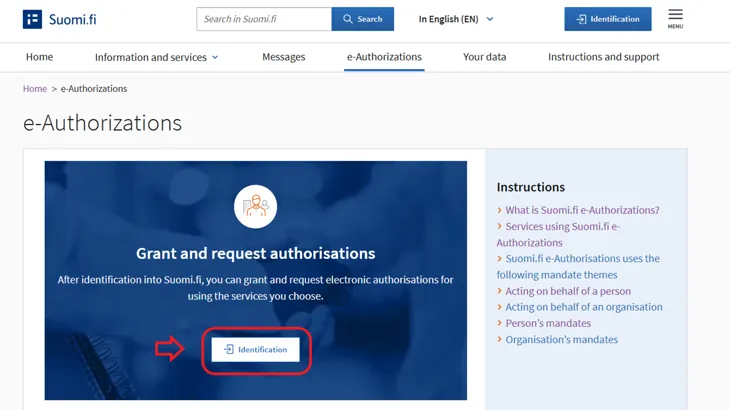
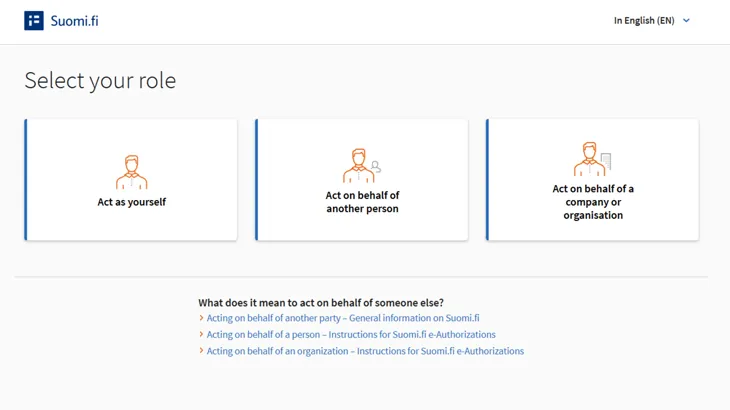
Then select whether you are acting as yourself, on behalf of another person, or on behalf of a company or organisation.
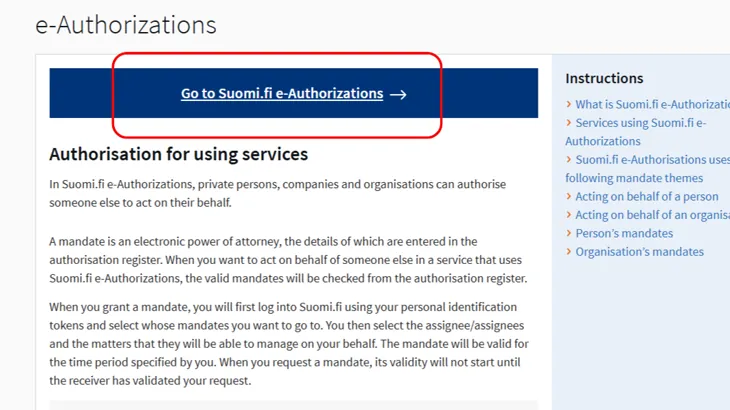
Click the Go to Suomi.fi e-Authorizations button.
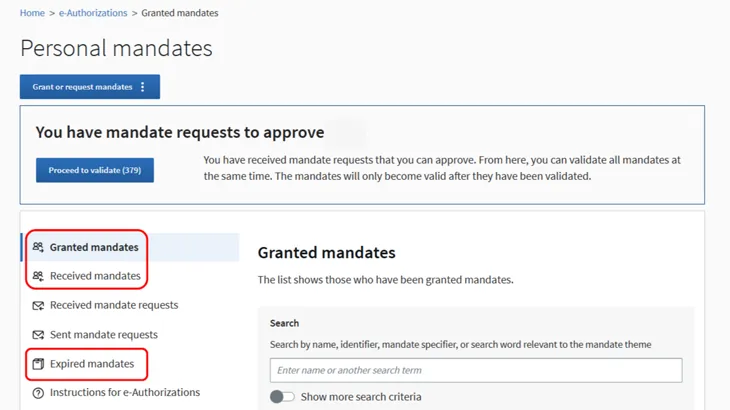
If you are an adult and select "Act as yourself" as your role, you will see the following:
- on the Granted mandates page, everyone that you have granted mandates to
- on the Received mandates page, everyone that you have received mandates from.
If you select "Act on behalf of a company or organisation" as your role and select the organisation whose mandates you want to view, you will see the following:
- on the Granted mandates page, everyone that the organisation has granted mandates to
- on the Received mandates page, everyone that the organisation has received mandates from.
If you are the guardian of an underage child and select "Act on behalf of another person" as your role and the child whose mandates you want to view, you will see everyone that has been granted mandates on behalf of the child on the Granted mandates page.
On the Expired mandates page, you will see the mandates whose period of validity has expired or those which have been invalidated prior to expiry. Expired mandates are displayed on the page for 15 months after their expiry date.
If you click on the name of the assignee, you will see all the mandates granted by you to them.
If you have a large number of granted mandates, you can:
- search for the mandates granted to a specific person, company or organisation by the name, part of name or identifier of the assignee.
- search for mandates granted for certain mandate themes or with certain specifier
- limit the list based on the period of validity of the mandates.